Advanced
The Advanced page allows you to configure key parameters of your AI Agent, including selecting a language model, setting prediction confidence, and defining inactivity timeouts.
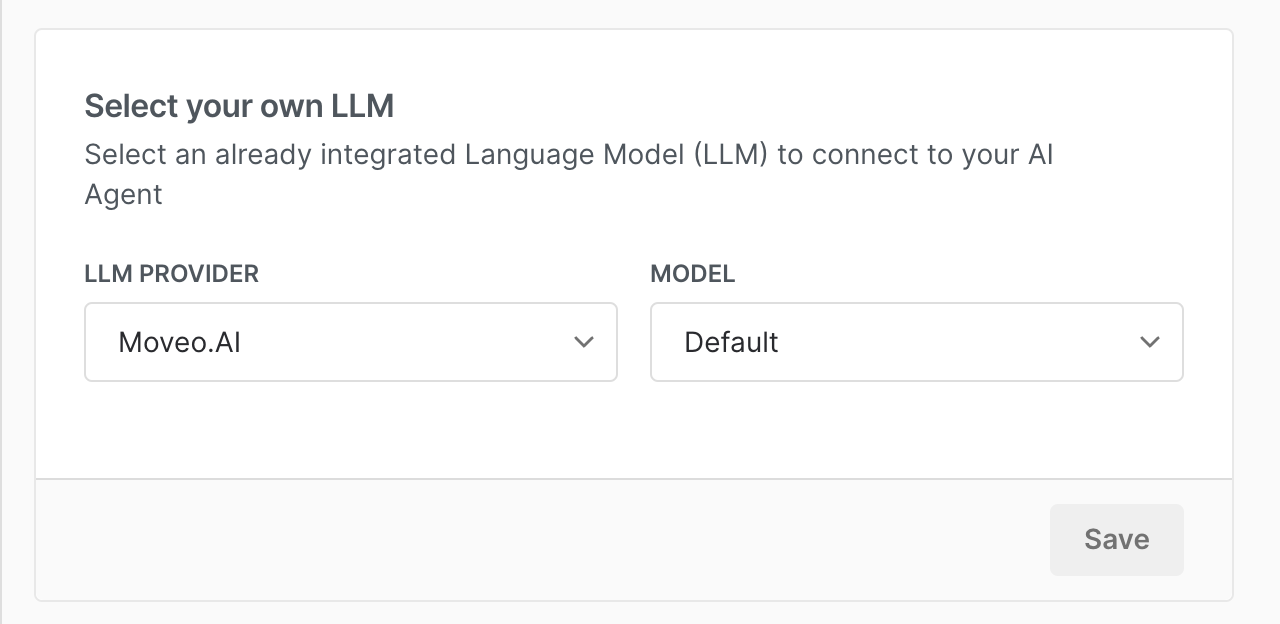
1. Select Your Own LLM
This section lets you choose an integrated Language Model (LLM) to power your AI Agent.
- LLM Provider: Select an available provider (e.g., Moveo.AI, OpenAI, Azure OpenAI, Anthropic, Gemini, DeepSeek).
- Model: After selecting a provider, choose a specific model that best fits your needs. For example, if you select OpenAI, you might choose a model like
o1-previeworgpt-4-turbo; if you choose Anthropic, you might opt forclaude-3-5-sonnet-20240620.
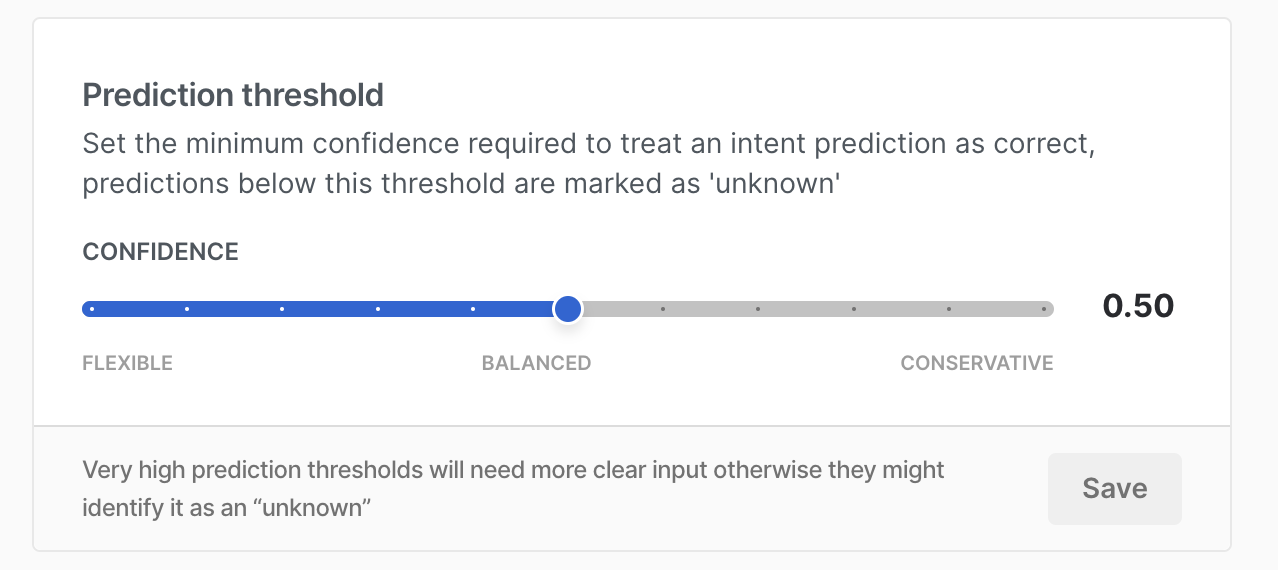
2. Prediction Threshold
This setting controls the confidence level required for an intent prediction to be considered correct. The threshold ranges from 0 to 1.
-
Lower threshold (more flexible, but increases false positives)
In customer support scenarios, a lower threshold allows the AI Agent to be more responsive. Even if it’s uncertain about a user’s intent, it will still attempt a relevant response. This helps keep conversations flowing but may sometimes result in incorrect predictions. -
Higher threshold (more conservative, requiring clearer user input)
In fields like legal or financial assistance, a higher threshold ensures only the most confident predictions are accepted. This reduces errors but may require users to phrase their questions more precisely for accurate responses.
3. Inactivity Timeout
This setting determines how long the AI Agent retains context before resetting due to user inactivity.
- Available options: 5 min, 15 min, 30 min, 45 min, 1 hour, 2 hours, 8 hours, 24 hours.
Adjusting this setting optimizes the AI Agent’s performance based on your workflow requirements.
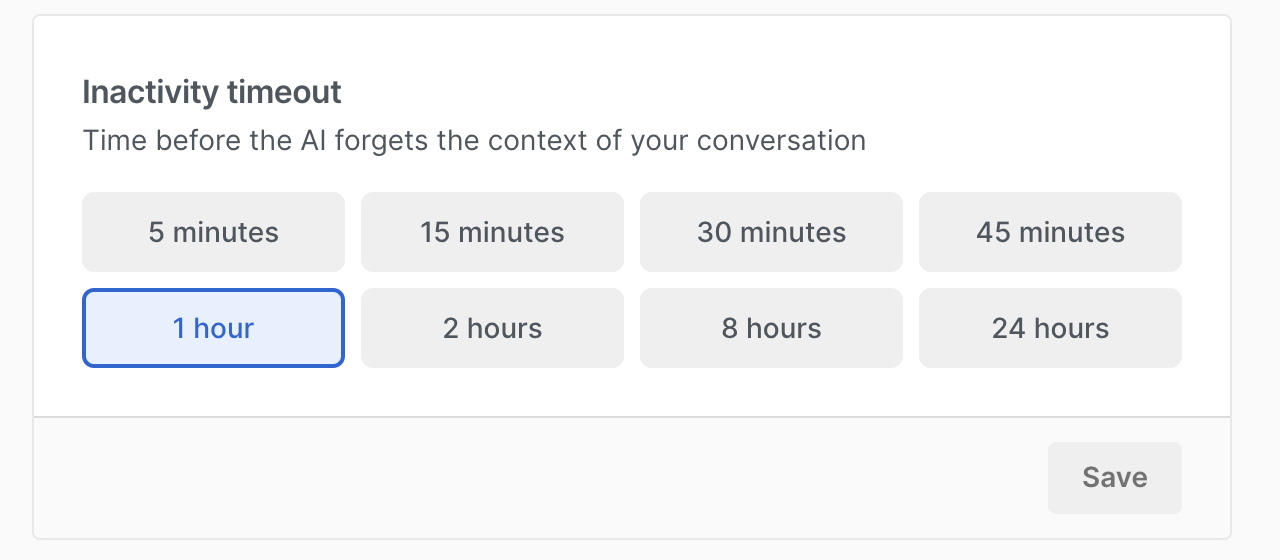
- Shorter timeouts (e.g., 5–30 min) → Ideal for fast-paced interactions where outdated context should be discarded quickly. This prevents the AI Agent from using stale information that might mislead the conversation.
- Longer timeouts (e.g., 2, 8, 24 hours) → Useful for cases where conversations span extended periods. For example, in complex troubleshooting or long-running customer support sessions, a longer timeout allows the AI Agent to maintain context even if the user returns hours later.